
 contact-center
SMS Phone Numbers
The contact.center™ enables you to receive inbound SMS messages on phone numbers that are active and support inbound SMS services.
Before you begin
In this SMS Phone Numbers section, you will see phone numbers listed only if the following conditions are met:
The phone number (DID) has SMS IN service enabled.
A default contact.center™ SMS Trunk is available in the system, and the SMS trunk is assigned to your phone number.
The contact.center™ SMS trunk is automatically created when at least one A2P campaign is activated. This trunk is required for routing inbound SMS.
Note
To activate an A2P campaign, follow the instructions in the A2P Campaign Guide: https://doc.didww.com/sms/a2p-campaigns.html Once your campaign is active, the contact.center™ trunk will appear in SMS Trunks.
When these prerequisites are in place, follow the steps below to assign the SMS trunk to your phone numbers.
Activate SMS Phone Numbers for Inbound SMS
To activate the inbound sms phone number for contact.center™ phone numbers follow the steps below:
Step 1: Assign the Number to contact.center™ SMS Trunk
To enable a phone number for inbound SMS messaging within the contact.center™, you must assign the contact.center™ inbound SMS trunk to the DID number you have purchased.
Select one of the options below:
Assign the inbound SMS trunk to one DID number manually.
Assign the inbound SMS trunk to multiple DID numbers at once.
Step 2: View Assigned Phone Numbers in the contact.center™
After assigning the trunk, your phone numbers will appear in the contact.center™’s user interface, ready to receive inbound SMS messages.
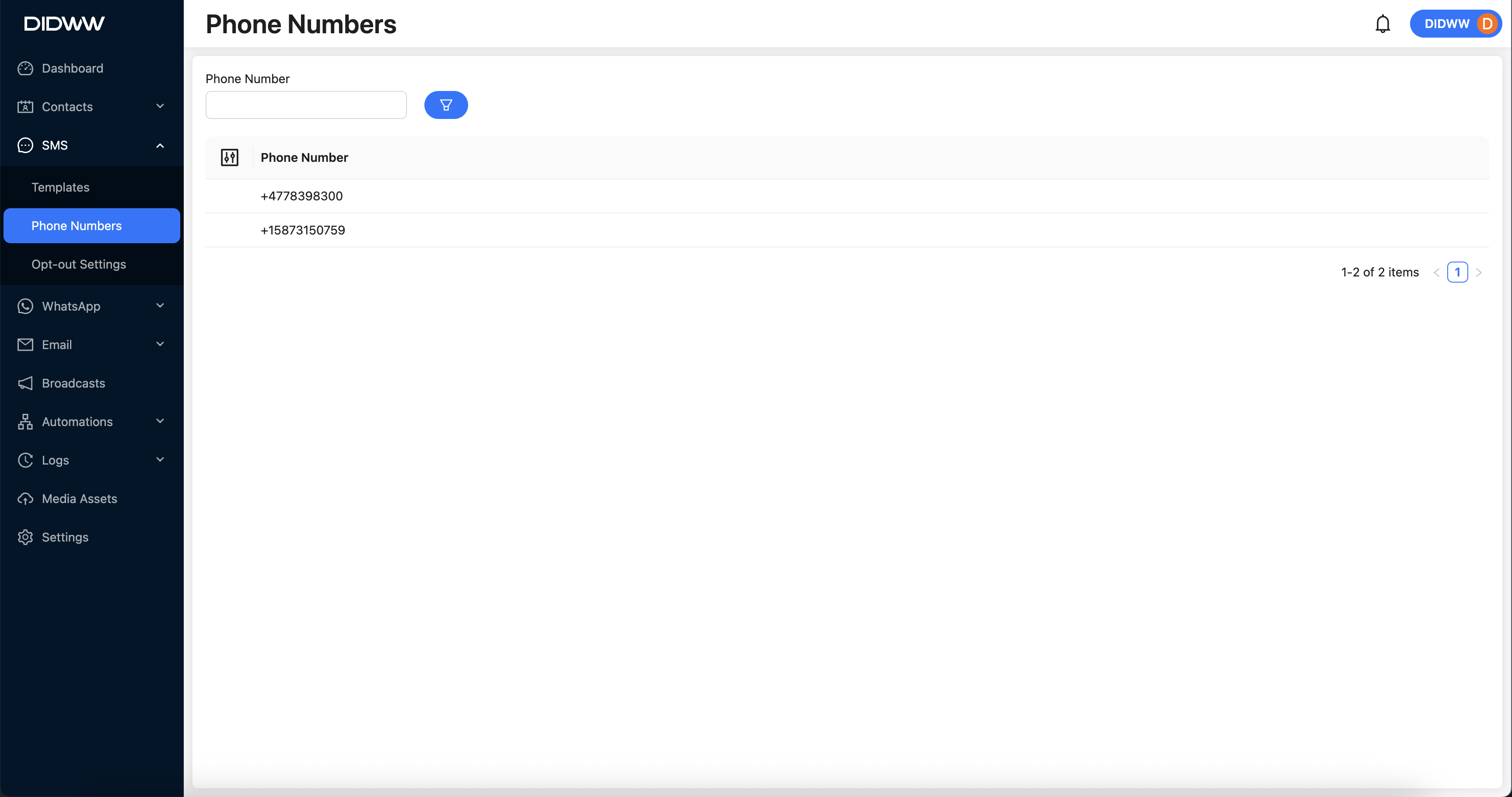
Fig. 2. Inbound Phone Numbers Displayed in the UI.
Note
After assigning the SMS trunk, any inbound SMS messages sent to the configured phone number can be viewed in the Logs > Inbound Messages section of the contact.center™.