
 contact-center
WhatsApp Phone Numbers
The contact.center™ supports the use of WhatsApp-enabled phone numbers for receiving inbound messages. These numbers become available after completing WhatsApp integration with your WhatsApp Business Account.
Once the integration is successful, associated phone numbers are automatically retrieved.
Before You Begin
A verified WhatsApp Business Account is required. To complete verification, visit WhatsApp Integration.
Viewing WhatsApp Phone Numbers
After successful WhatsApp integration, your WhatsApp numbers will appear in WhatsApp > Phone Numbers.
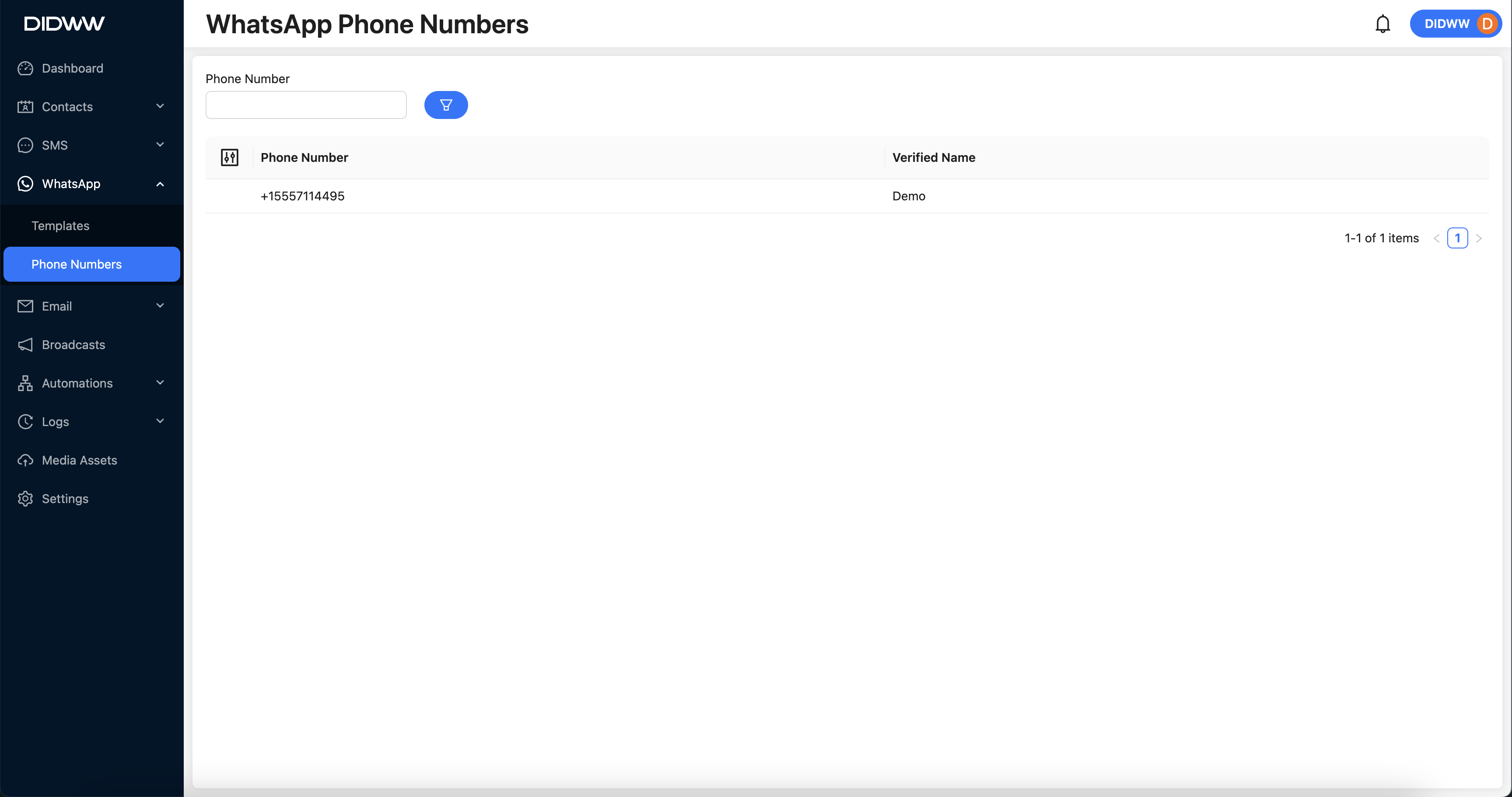
Fig. 1. WhatsApp Phone Numbers Displayed in the contact.center™ UI.
Note
Inbound WhatsApp messages received on these numbers can be viewed in the Logs > Inbound Messages section of the contact.center™.