
 contact-center
Profile Settings
Manage your personal account information and communication preferences.
The Profile tab contains settings that apply only to your user account. Use this page to update your personal details, manage your login email, and control the types of communications you receive.
Personal Information
The Personal Information section allows you to update how your name is displayed to other team members within the platform.
Field |
Description |
|---|---|
First Name |
Your given name. |
Last Name |
Your family name. |
Email Address
The Email Address section displays the email used for logging into the platform and receiving system notifications.
Change Email Address
Follow these steps to change your email address:
Go to Settings → Profile.
In the Email Address section, click Change Email.
Enter your new email address.
Click Submit.
Check your inbox and follow the confirmation link to verify the new email.
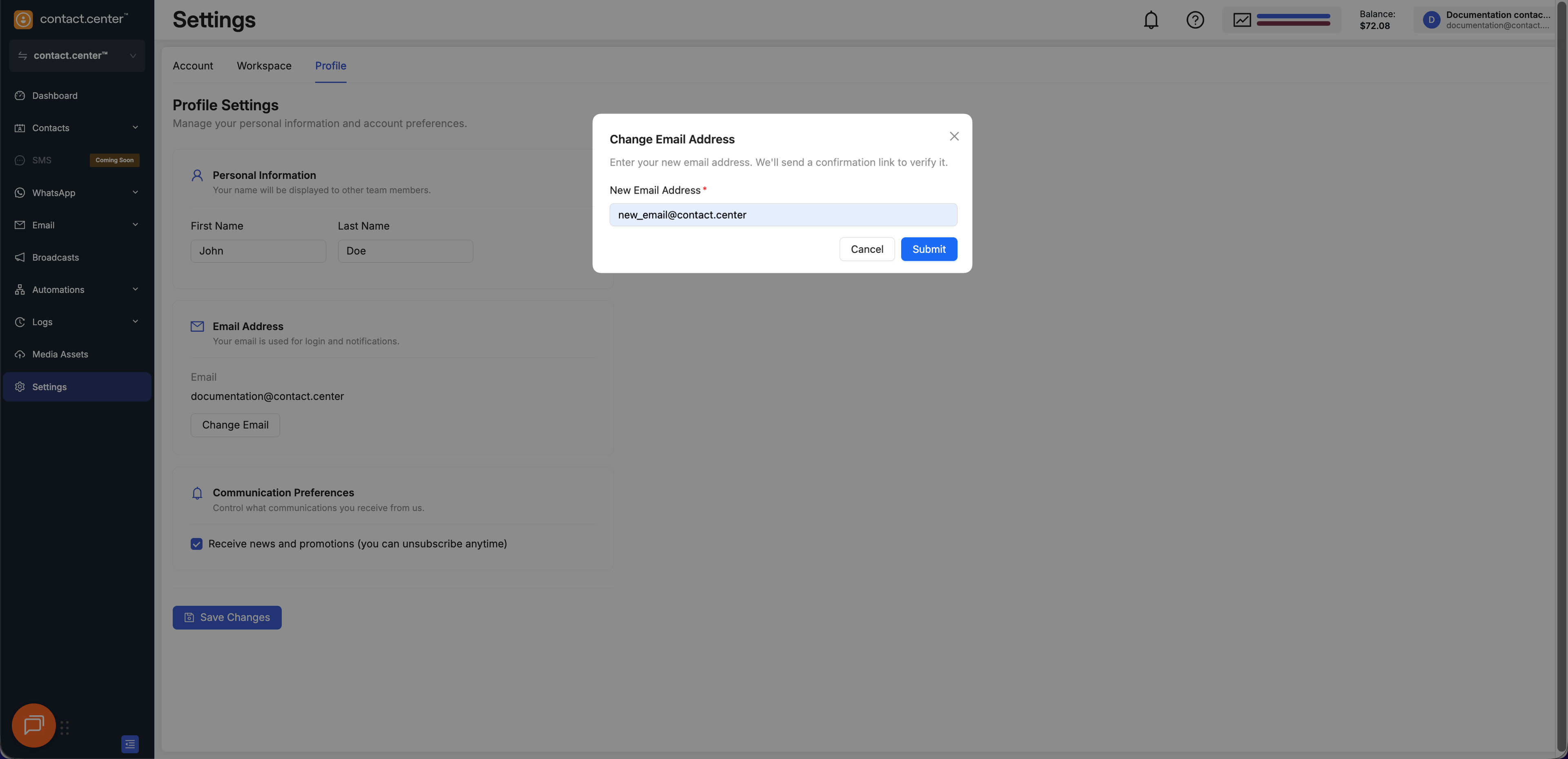
Fig. 1. Change Email Address dialog.
Communication Preferences
The Communication Preferences section allows you to control whether you receive product updates and promotional messages from contact.center™.
Setting |
Description |
|---|---|
Receive news and promotions |
Enables or disables marketing and product update emails. |