
 contact-center
Overview
The Billing Overview page provides a summary of your current subscription and billing status.
Use this page to review your active plan, check your upcoming invoice, and access subscription management actions.
Your Plan
The Your Plan section summarizes your active subscription and included service limits.
Use this section to review your active plan and access available subscription actions.
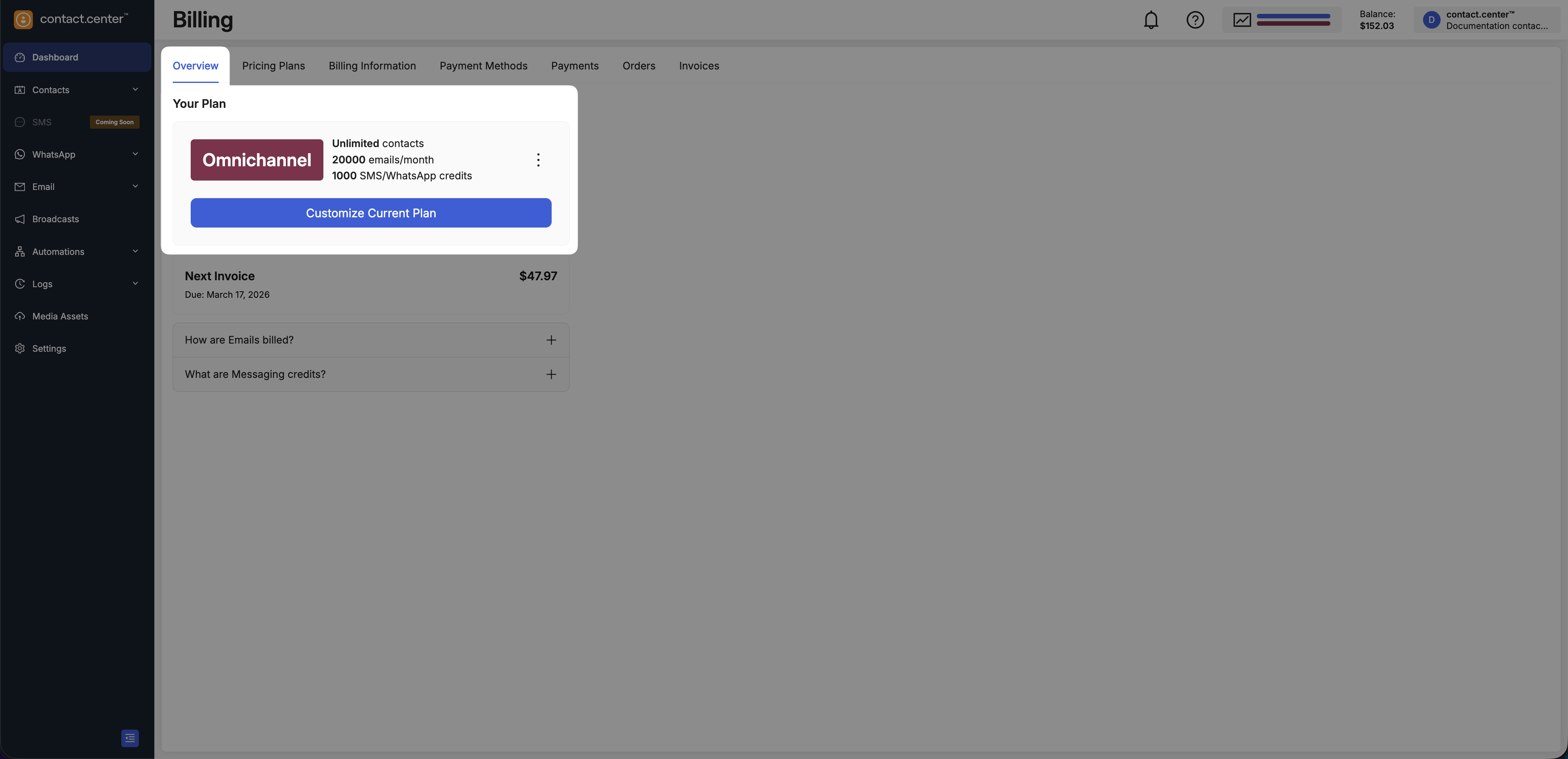
Fig. 1. Your Plan section with available actions
Actions
Use the available actions to upgrade, customize, change, or cancel your subscription.
Use this option to upgrade from the Free plan or adjust limits on a paid plan.
For full step-by-step instructions, see: Upgrade Your contact.center™ Plan.
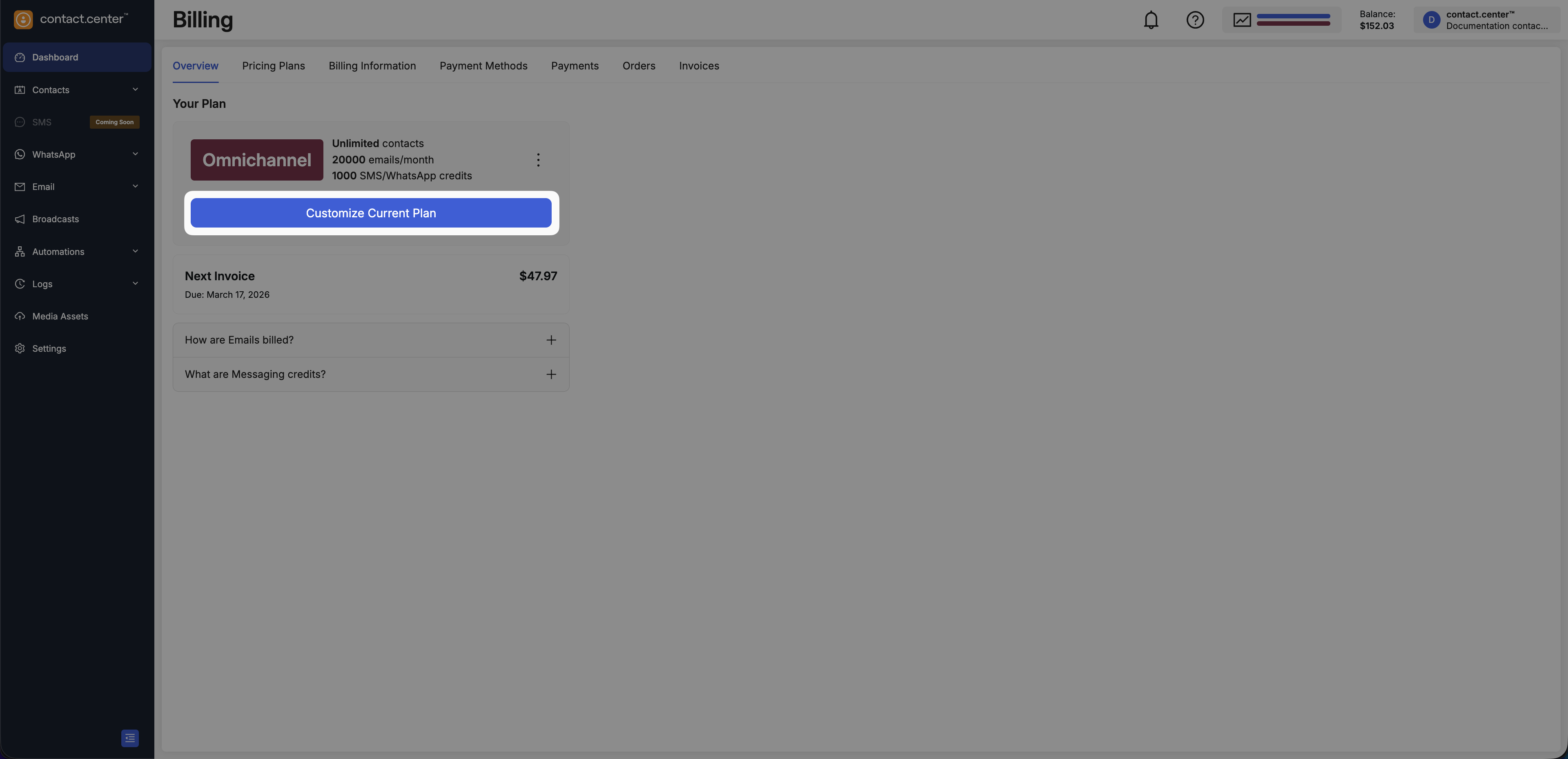
Fig. 2. Upgrade or Customize your contact.center™ plan
Use this option to upgrade from the Free plan or adjust limits on a paid plan (for example, from Email to Omnichannel).
For complete step-by-step instructions, see: Change Your contact.center™ Plan.
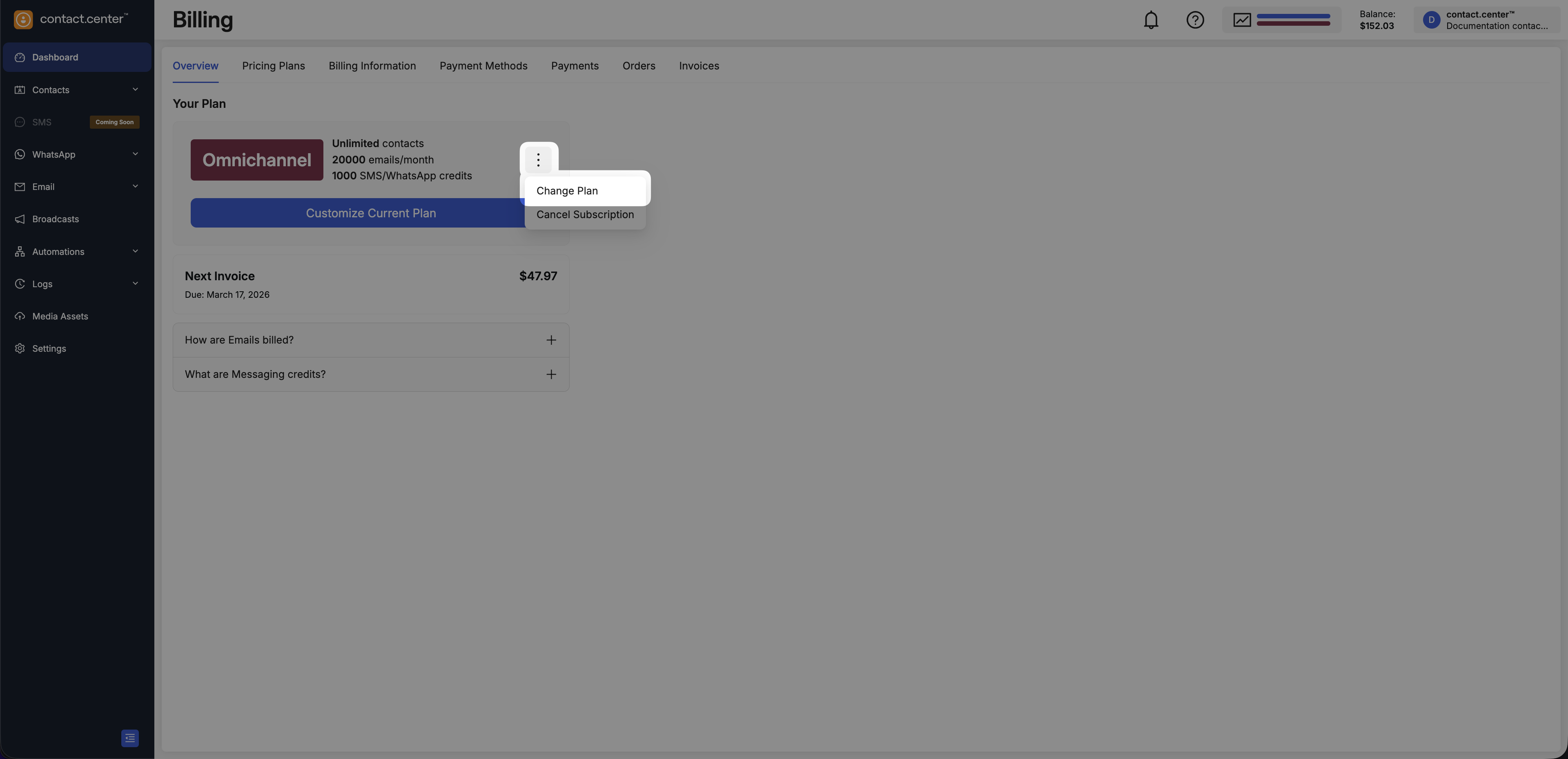
Fig. 3. Change your existing contact.center™ plan
Use this option to cancel your current subscription.
Open the Actions menu in the Your Plan section, then select Cancel Subscription and confirm the cancellation.
After confirmation, your subscription remains active until the end of the current billing cycle. No further subscription charges apply after the subscription expires.
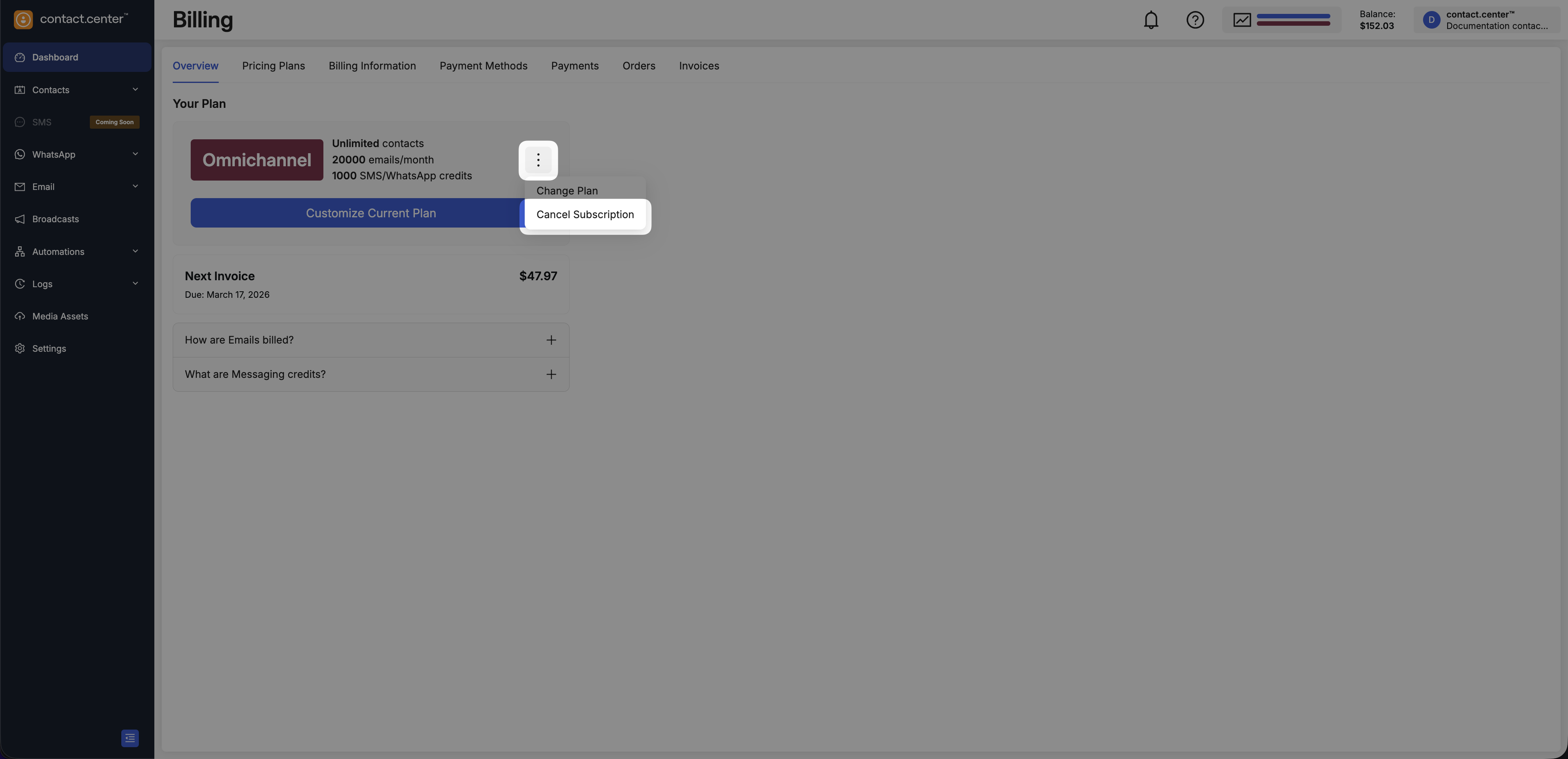
Fig. 4. Cancel your existing contact.center™ plan
Next Invoice
The Next Invoice section shows your upcoming invoice amount and billing date.
Note
The amount may change if you modify your subscription before the next billing cycle.
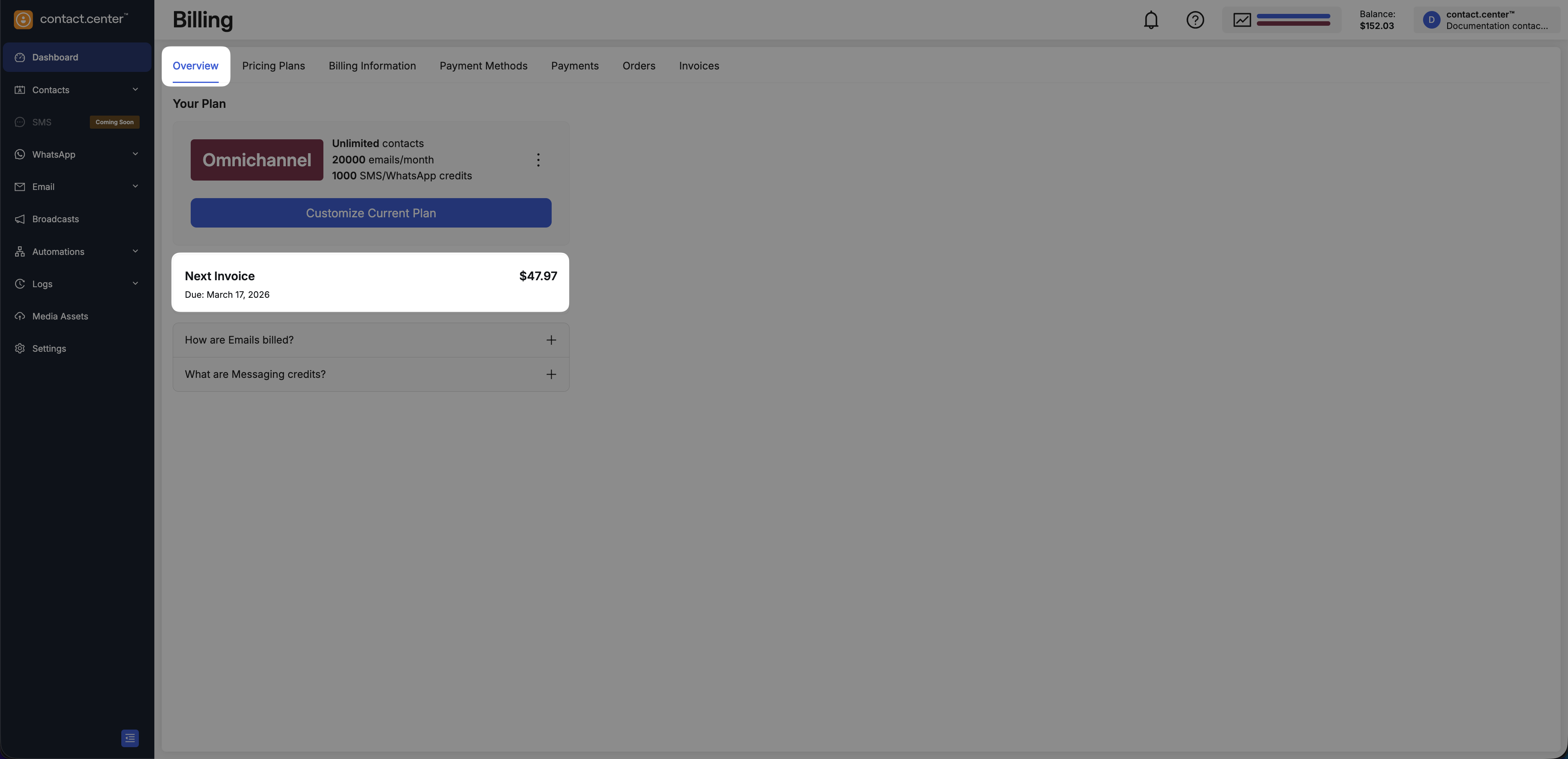
Fig. 5. Upcoming invoice summary