
 contact-center
Invoices
Use the Invoices page to review invoices for your workspace and download invoice documents for your records.
Invoices Overview
On the Invoices page, you can review invoices listed in the table.
Invoices Table
The invoices table shows invoices issued for your workspace.
Column |
Description |
|---|---|
Year |
Year the invoice was issued for. |
Month |
Month the invoice was issued for. |
Subtotal |
Invoice amount before VAT in USD. |
VAT |
VAT amount applied to the invoice in USD. |
Total |
Final invoice amount including VAT in USD. |
Customize Visible Columns
You can customize which columns are displayed in the Invoices table.
Click the Customize columns icon.
Enable or disable columns as needed.
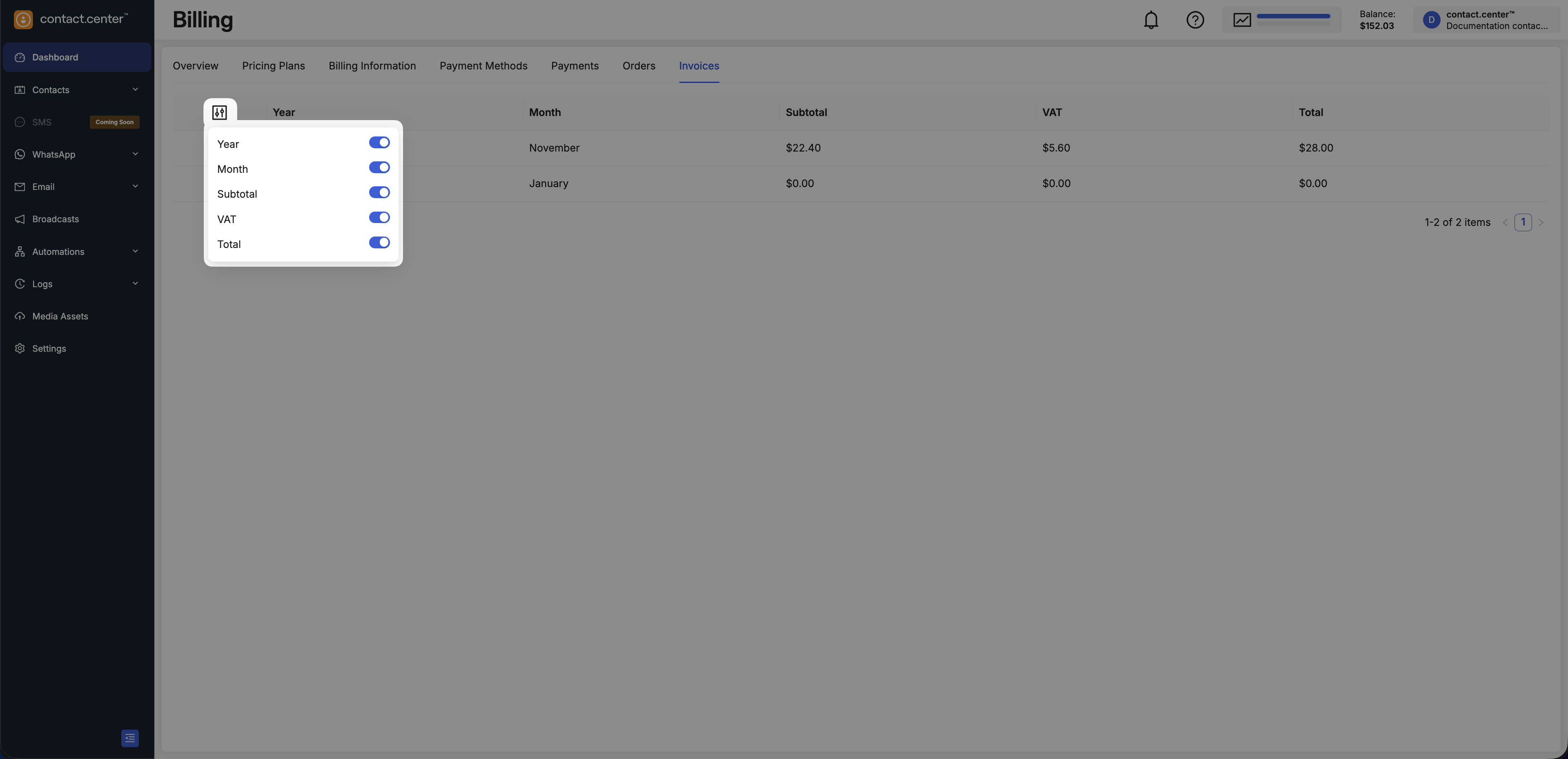
Fig. 2. Customize visible columns
Download Invoice Document
To download an invoice:
In Billing → Invoices, locate the invoice record.
Click the download icon in the first column.
The invoice opens in a new browser window, where you can download or print it.
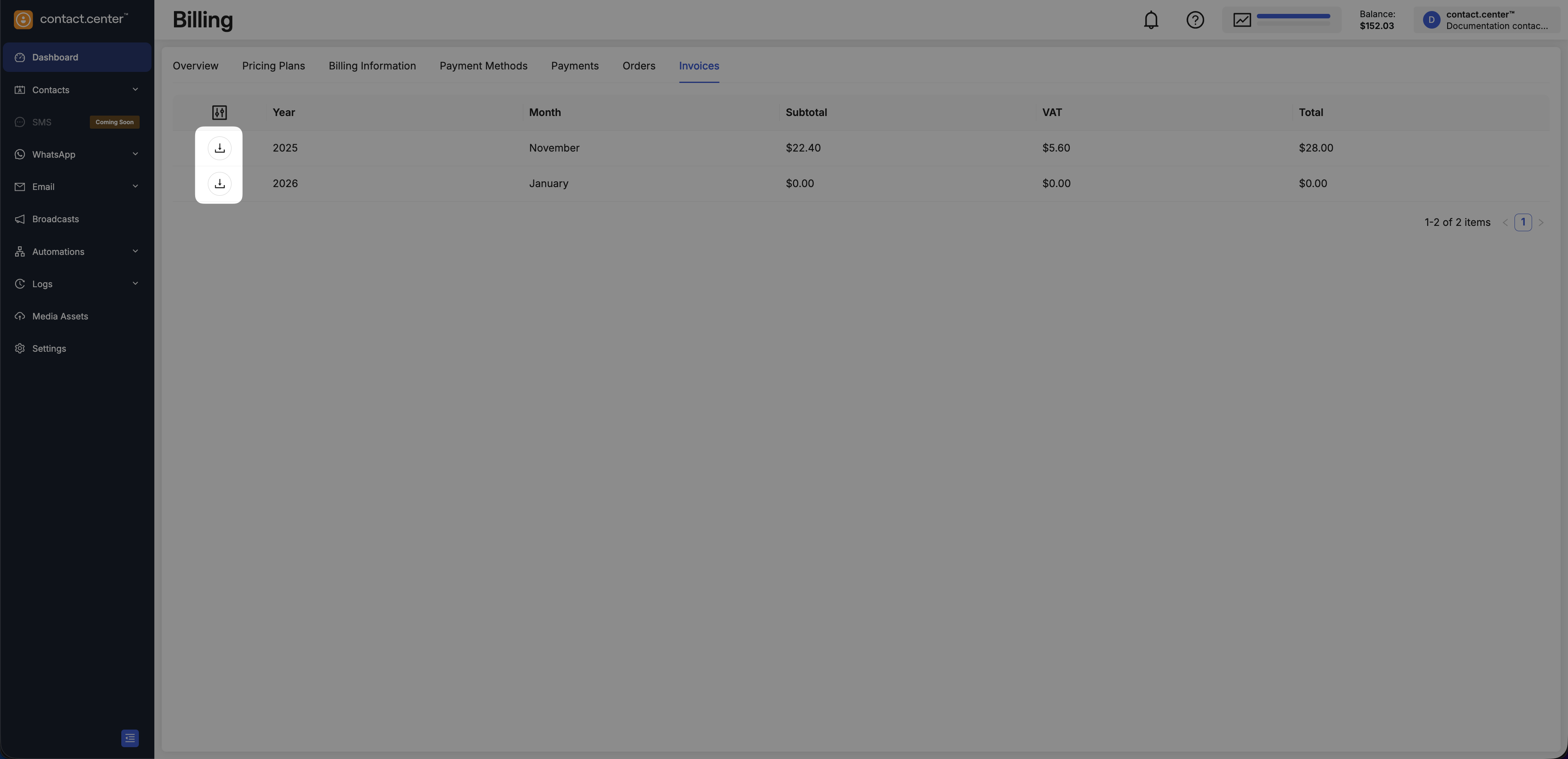
Fig. 3. Download invoice