
 contact-center
Delete SMS Sender
Delete an SMS Sender when it is no longer required.
Warning
After the SMS Sender is deleted, it can no longer be used to send messages. Confirm that no broadcasts or automations depend on it before continuing.
Step 1: Open the Delete action
In contact.center™, go to SMS > Sender Settings.
Find the SMS Sender and open its actions menu.
Open the actions menu and select Delete.
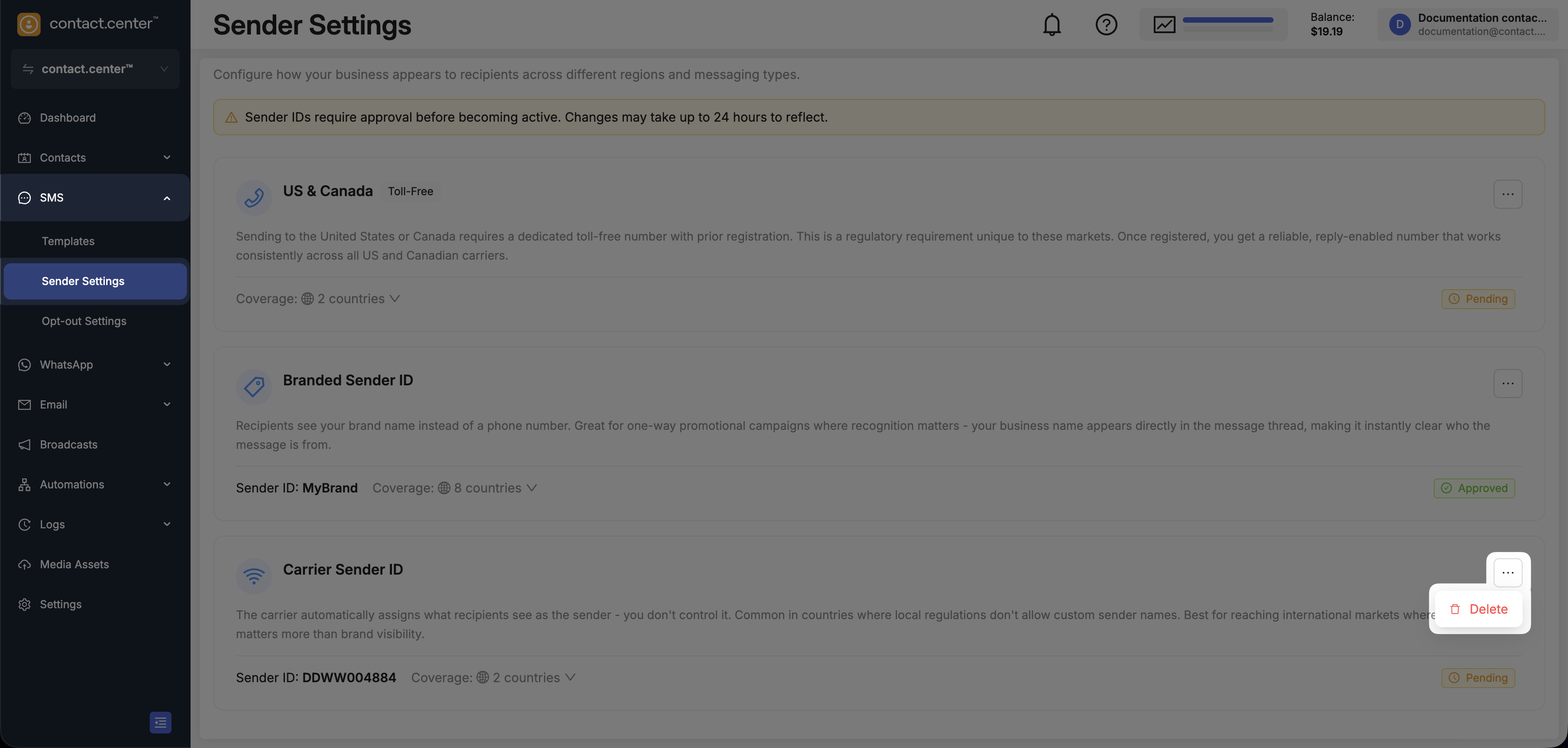
Fig. 1. Select Delete from the actions menu.
Step 2: Confirm deletion
Review the warning and confirm the deletion.
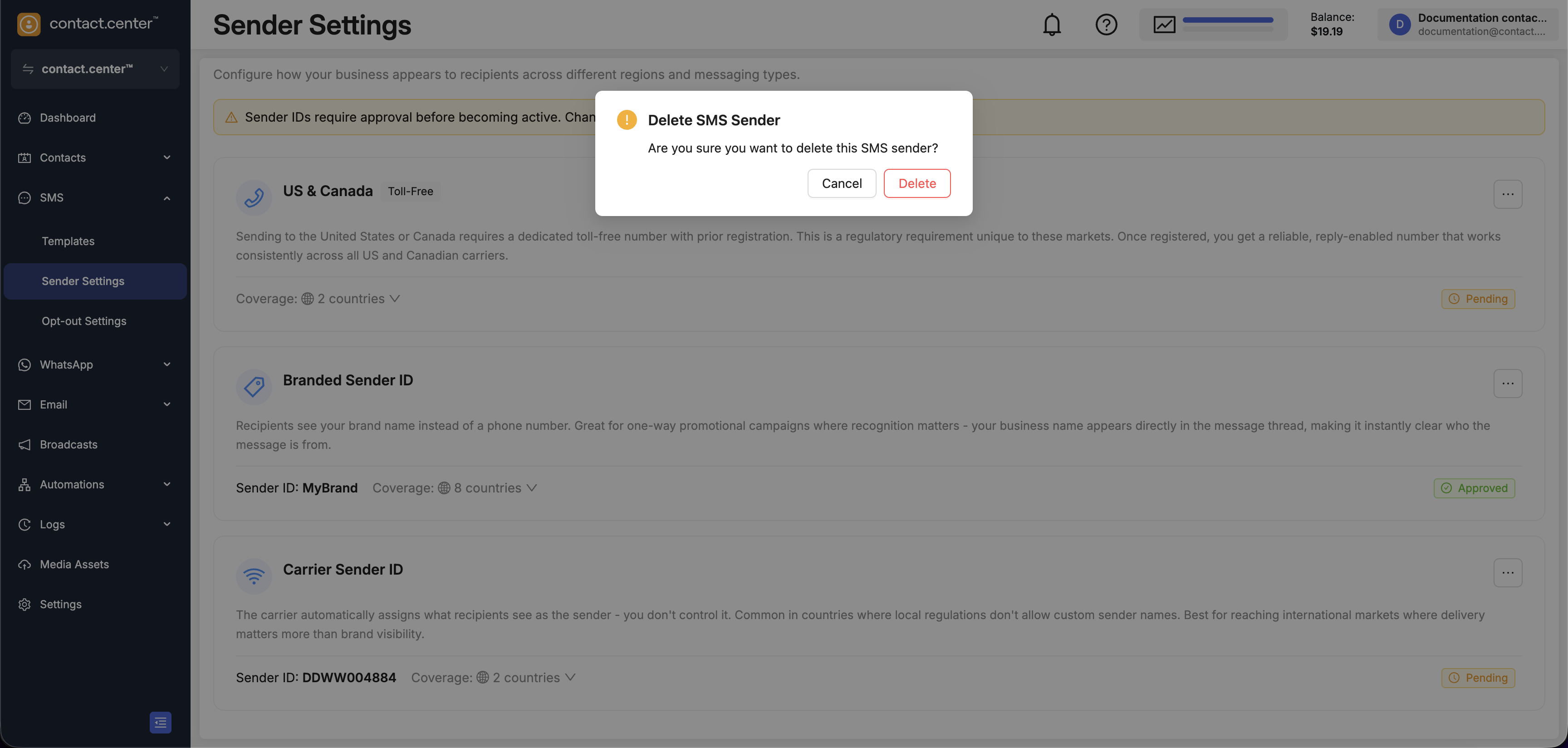
Fig. 2. Confirm the deletion.
The status changes to Pending Deletion while deletion is being processed. Workspace owners and administrators receive an email when the SMS Sender has been deleted.